Professional agentic AI, on the Claude platform.
Training for individual contributors and engineering teams.
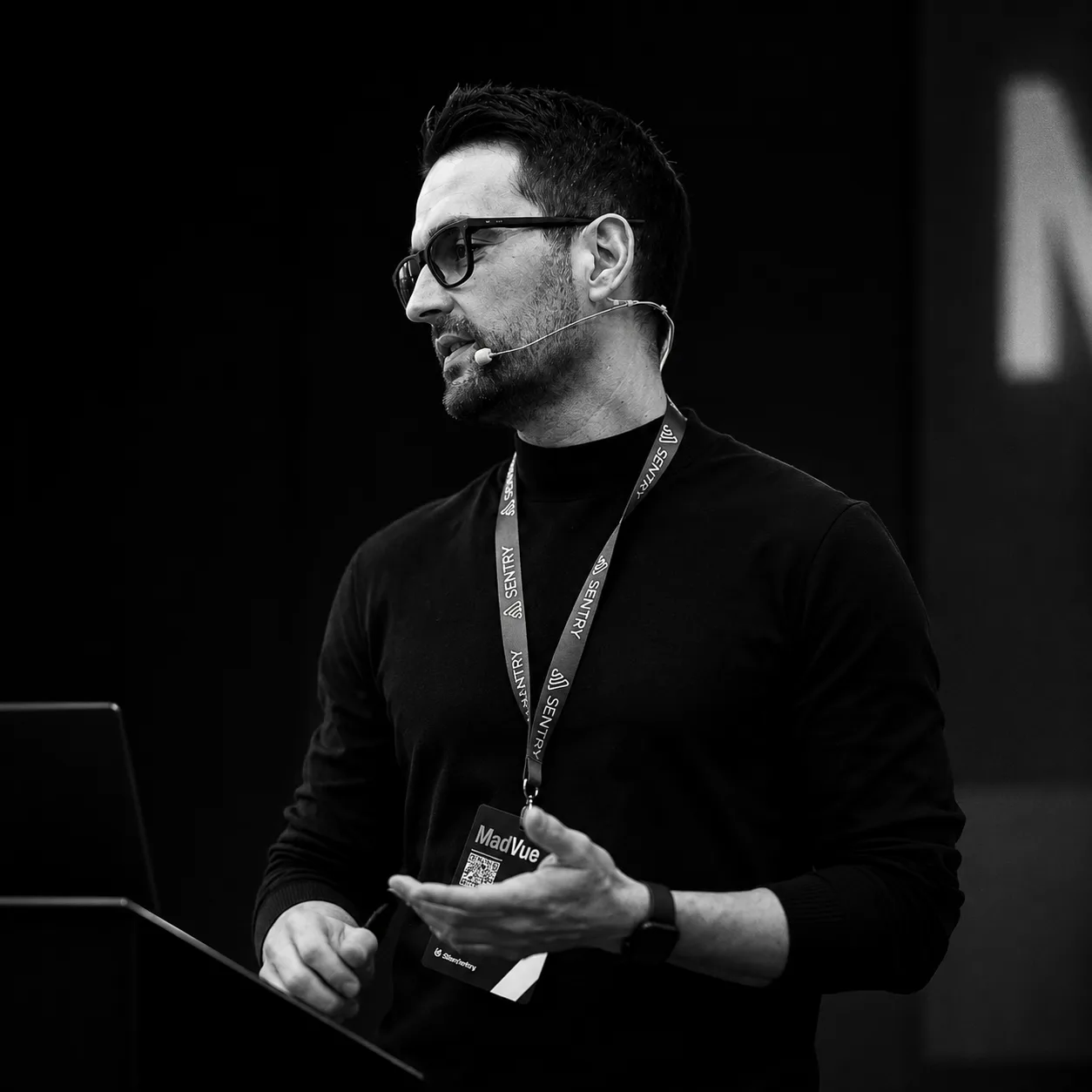
Most people use AI assistance as a fancier autocomplete. Working with agents in production takes method: context, judgment and verification. That's what I teach.

✦ Claude Code
From zero to professional, one tip a day.
276
tips published.
Tomorrow, 277.
178 days in a row publishing.
Today: #276
By intent
Onboarding, mastery, autonomous...
By topic
Skills, MCP, hooks, models...
Latest
All content by date
My Claude Code workflow.
The skills, agents and instructions I use as a professional Software Engineer. It's called Craft, and it's a plugin you can install.
See the skillsTraining and consulting on the Claude platform.
AI First on the Claude platform
A working day with your team, online, on the Claude platform. More output without losing quality.
Agentic AI for companies
I assess how your team works and agentify the processes one or several agents can take on.
At FrontendLeap I teach you to build the professional Web with agentic AI and learning science.
FrontendLeapStop Claude Code asking for permission (without losing control)
Permission prompts in Claude Code don't go away with one setting. There are five levers (rules, modes, auto mode, the sandbox and bypass inside a container), and this guide puts them in the order that cuts the most prompts for the least risk.
Claude Code first steps: the fundamentals that don't expire
The Claude Code fundamentals that don't expire: install, sessions, context, quota, models, permissions. What you actually need to grasp on day 1.
AI: the joy of missing out on what doesn't matter
You can't keep up with AI, and you shouldn't try. The answer isn't resistance or passive acceptance: go all in, but deep on one thing instead of scattered.
Claude Code Agent View: managing parallel agents without leaving the terminal
I spent months managing many Claude Code agents by hand. Agent View now does it: my terminal-native workflow with Warp and Neovim, and the gaps I patch.
What is Claude Code: A Practitioner's Overview
What Claude Code actually is, explained by someone who uses it 12+ hours daily in production. No hype, real examples.
Claude CVP Defense Access in Claude Code: what it is and which models it covers
CVP: Defense Access shows up in your model picker once your organization joins the Cyber Verification Program. What it is, what it changes in Claude Code, and why it doesn't work the same on every model.
Claude Code login expired in claude -p: you can't stop it, only see it coming
Claude Code's stored login ends on a fixed date that renewing doesn't move. How to see it before a cron job or CI step running claude -p fails, and when to move the job to a one-year token.
Fable 5.2 vs Opus 5.5 in Claude Code: use Fable on high, not Opus on max
Fable 5.2 against Opus 5.5 on the same four Claude Code tasks, 60 runs: every configuration passed, but Opus 5.5 on max cost three times Fable 5.2 on high and took eight times as long.
Claude Code subagent waiting for permission: let it work without you
A background subagent that hits a permission prompt waits until you come back, and the whole task waits with it. One setting turns that prompt into a denial so the turn keeps going.
Claude Design is shutting down: how to keep using it from Claude Code
Claude Design leaves claude.ai/design on December 14. In Claude Code, /design already creates the design as an artifact; /design-sync and the MCP still point at the site that closes.


Hi, I'm Juan Andrés Núñez.
Senior Software Engineer specializing in agentic AI, professional educator and speaker. Over fifteen years building for the Web and teaching how to do it. Today I work with the Claude platform every day. Here I publish everything I learn.
The 51 essentials, as a guide.
One page per tip. Five chapters. What I actually use daily in production. No theory, no fluff.