Skills are markdown files with instructions that Claude Code executes as slash commands. You create a SKILL.md file in a folder, and invoke it with /skill-name. The process stays conversational: you can intervene, correct, and redirect while Claude works through the steps.
Looking for the built-in slash commands that ship with Claude Code? They're all in this cheat sheet by intent.
For a complete guide with advanced patterns, positional arguments, subagent forking, and dynamic context injection, see the full skills article.
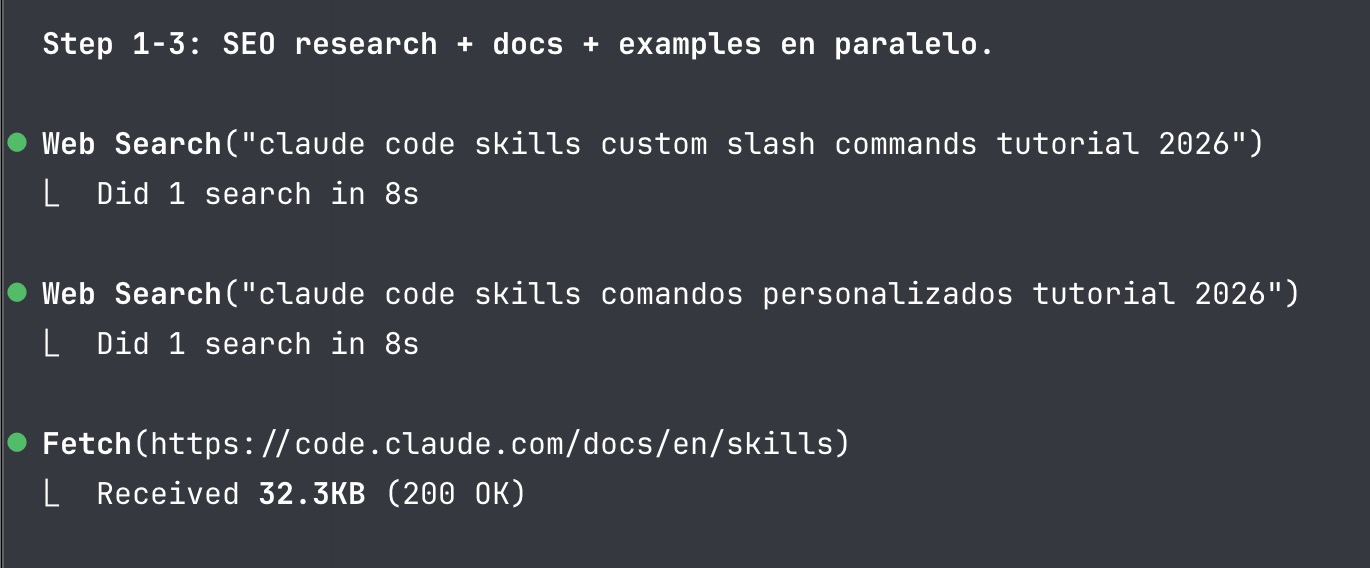
It's not a blind script. It's a guided conversation with predictable steps. This very tip was generated with a skill.
A /review-component example:
/review-component src/components/SearchBar.vue

Reviewing SearchBar.vue against 5 criteria...

| Criterion       | Severity | Finding                            |
|-----------------|----------|------------------------------------|
| Structure       | Low      | Logic and template well separated  |
| Props           | Medium   | Missing default value for query    |
| Accessibility   | High     | No role="search" on the form       |
Setup
1. Create the skill directory
mkdir -p ~/.claude/skills/review-component
2. Write the SKILL.md
---
name: review-component
description: Review a frontend component against quality criteria.
argument-hint: [path-to-component]
---

Review the component at $ARGUMENTS against these criteria:

1. **Structure**: Clear separation of logic, template, and styles?
2. **Props**: Properly typed? Default values where applicable?
3. **Accessibility**: ARIA roles, labels, keyboard navigation?

Present findings in a table with a severity column.
3. Invoke it
/review-component src/components/SearchBar.vue
Claude applies the same criteria every time, in the same order, with the same output format.
Reference
| Field | What it does |
|---|---|
name |
Slash command name (lowercase, numbers, hyphens only) |
description |
When to use the skill. Claude uses this to decide whether to load it automatically |
argument-hint |
Autocomplete hint ([issue-number], [path]) |
disable-model-invocation |
true so only you can invoke it |
context |
fork to run in an isolated subagent |
$ARGUMENTS |
Replaced with whatever you type after the command |
Where to store skills
| Location | Path | Scope |
|---|---|---|
| Personal | ~/.claude/skills/<name>/SKILL.md |
All your projects |
| Project | .claude/skills/<name>/SKILL.md |
This project only |
Personal skills are the most practical starting point. They work across any project with no extra configuration.
Tip: Start with the instructions you always copy and paste. Put them in a
SKILL.md. That's your first skill. Later you can turn it into a template with arguments, subagent forking, dynamic context injection — but the first step is that markdown file.
By the way: this loading pattern (description always visible, full content only on use) is the same one Claude Code now applies to your MCP servers with Tool Search and to your project rules with conditional rules in .claude/rules/.
Official docs: Extend Claude with skills