TL;DR
claude -w feature-authcreates a git worktree, branches your code, and starts a new Claude instance in it. Run it three times in three terminals and you have three Claudes working on three different tasks — in parallel, on the same repo, without conflicts.
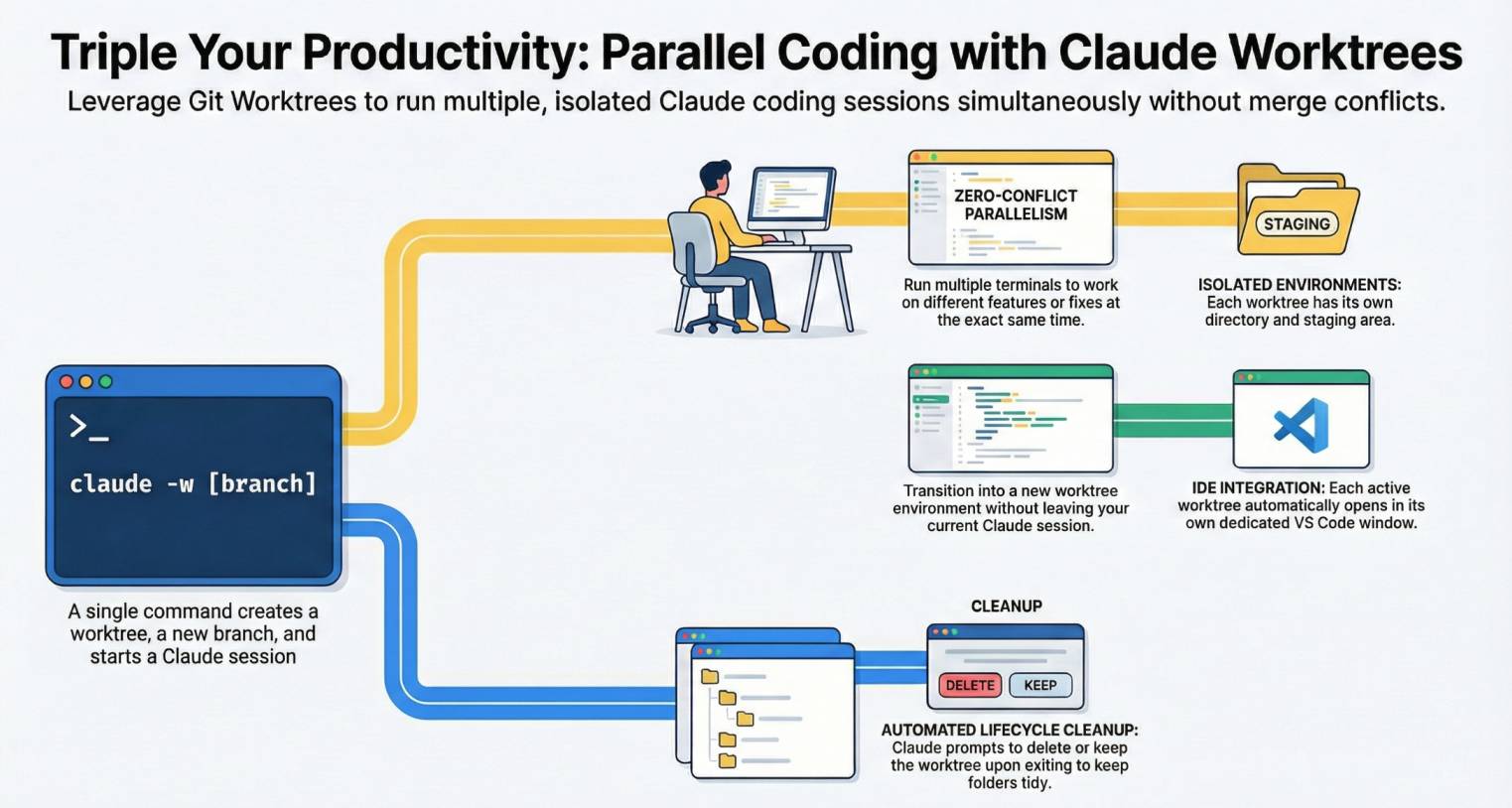
Yes, Git worktrees look complicated. And yes, they're one of those things you only use when you truly need them. But the payoff is so disproportionately large that maybe now is the time to start.
Instead of waiting for Claude to finish one task before starting the next, you launch multiple instances that work simultaneously on separate branches. Same repo, different working directories, zero conflicts.
A worktree is an additional working directory linked to the same git repository. Each one has its own branch and its own file state, but they share the same .git. Claude Code integrates it with a single flag: -w.
Result:
# Terminal 1
> claude -w feature-auth
Creating worktree at .claude/worktrees/feature-auth (branch: feature-auth)
╭──────────────────────────────────╮
│ Session in worktree feature-auth │
╰──────────────────────────────────╯

# Terminal 2
> claude -w fix-navbar
Creating worktree at .claude/worktrees/fix-navbar (branch: fix-navbar)

# Terminal 3
> claude -w refactor-api
Creating worktree at .claude/worktrees/refactor-api (branch: refactor-api)

# 3 Claudes. 3 tasks. In parallel.
How to use it
1. Launch a worktree
claude -w feature-auth
Claude creates the worktree at .claude/worktrees/feature-auth, creates a branch based on HEAD, and starts a session in that directory. All in one command.
2. Open more worktrees in parallel
Open a new terminal and launch another:
claude -w fix-navbar
Each worktree is independent. Each Claude works on its own branch without stepping on the other.
3. From within a session
If you're already in a session and want to move into a worktree:
/worktree
Claude creates the worktree and switches the session's working directory.
4. Clean up when done
When you exit a worktree session, Claude asks whether to keep or remove it. Changes on each branch merge like any other git branch. The desktop app has no such exit moment, so the worktree stays on disk until you archive the session.
Reference
| Command | What it does |
|---|---|
claude -w <name> |
Creates worktree + branch + session in one step |
/worktree |
Creates worktree from an existing session |
/worktree <name> |
Creates worktree with a specific name |
| Concept | Detail |
|---|---|
| Location | .claude/worktrees/<name> inside the repo |
| Branch | New branch based on HEAD at time of creation |
| Independence | Each worktree has its own working directory and staging area |
| Cleanup | On exit, Claude asks whether to keep or remove the worktree |
| VS Code | Each worktree opens in its own VS Code window |
Official docs: Use git worktrees for parallel tasks
Worktrees are not the only path to parallelism. For delegating subtasks to independent agents within a single session, see the Claude Code subagents guide. For cloud-based parallelism without worktrees: Claude Code on the web. And to see all your parallel work (worktrees, cloud sessions, ultrareview) converge in one place: the /tasks panel. And to review someone else's PR, claude --worktree "#1234" opens it in its own worktree and Claude puts it to the test.