Claude Code permissions cheat sheet: approve less, keep control
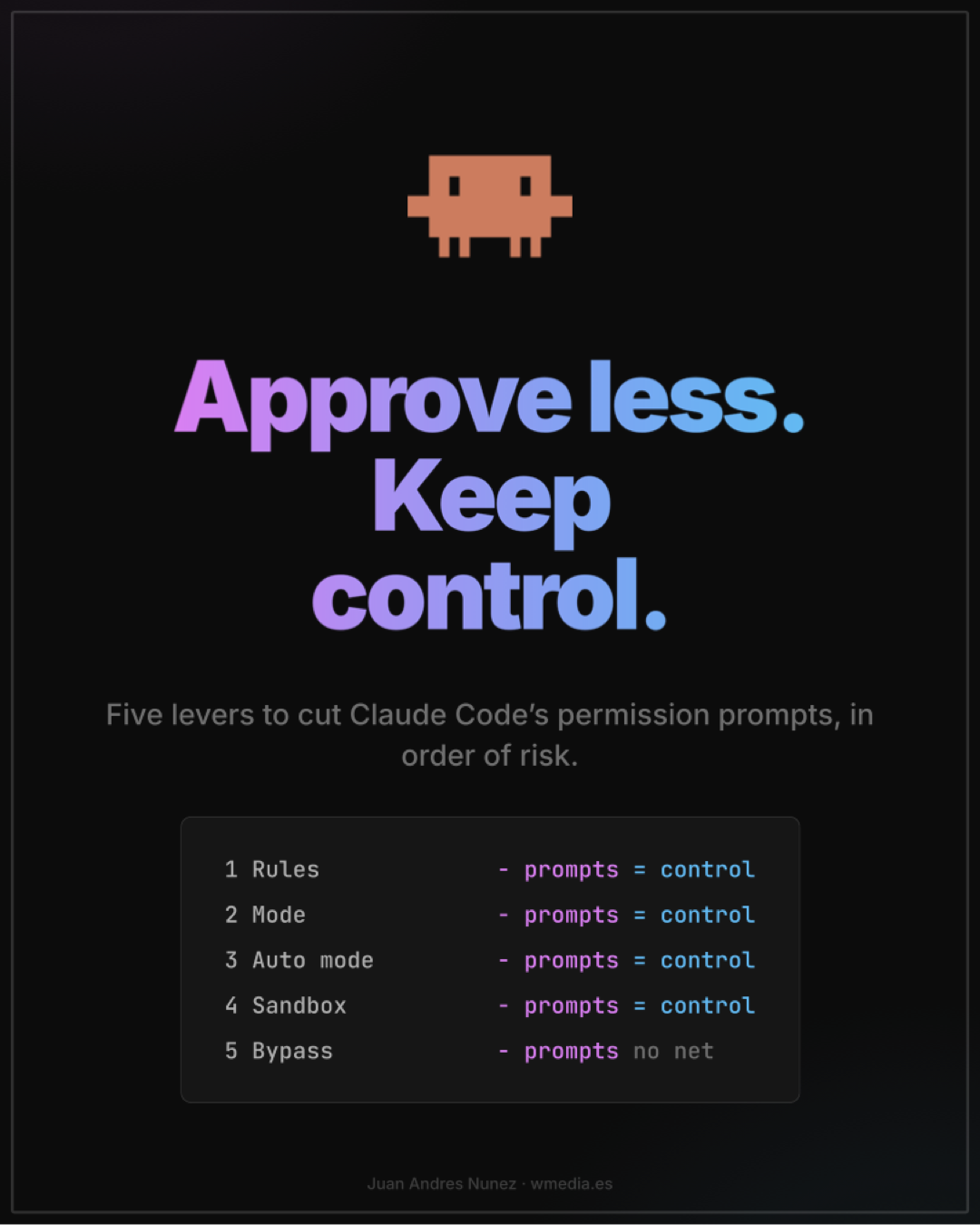
Five levers to stop Claude Code asking for permission, in a 10-page PDF: allow rules, modes, auto mode, the sandbox and bypass, with the config ready to copy.
What is inside
Ten pages: the five levers in order of risk, with the config ready to copy.
- Why it asks: deny, ask and allow, and the first matching rule wins.
- Rules: what you always approve, approve ahead with
/fewer-permission-prompts. - Modes: the mode is a dial, not a switch, and
acceptEditsdoes not approve everything. - Auto mode: a classifier approves for you, and your own rules without wiping the built-in ones.
- Sandbox: a fence the operating system puts up, not Claude.
- Bypass: only inside a container, and what to check when a
claude -prun exits green with denied permissions.
The criterion, in one sentence
Pull the levers in order of risk, and whatever still asks after that, read it.
Ten minutes into Claude Code you are approving on reflex, and approving on reflex is the same as not reviewing. The usual escape is the opposite extreme: --dangerously-skip-permissions on your own machine. Between the two there are five levers, ordered from least to most risk.
What stays inside the PDF is the full mode table: what each mode approves without asking you. That is the page worth having at hand when Claude starts asking again.
Frequently asked questions
Why does Claude Code ask for permission for everything?
Because every tool call runs through your rules (deny, then ask, then allow) and whatever no rule covers, the mode decides. In the default mode only reads go through without asking. Each lever in the cheat sheet covers part of what is left.
Where do permission rules go?
In `settings.json`, never in `CLAUDE.md`: there they are a suggestion, in settings they are enforced. Team rules go in `.claude/settings.json`, committed; yours go in `.claude/settings.local.json`, which Claude Code keeps out of git when it creates the file; if you create it by hand, add it to `.gitignore` yourself.
Why doesn't the auto mode I set in the project count?
Because Claude Code ignores `"defaultMode": "auto"` in the project file. It belongs in `~/.claude/settings.json`, or in the `--permission-mode auto` flag. And watch out: an auto in the project also makes Claude Code skip your user `defaultMode`, and a `bypassPermissions` in the project drops the session to Manual even when your user settings say auto.
Is --dangerously-skip-permissions safe?
Only in an isolated environment: a container or VM without internet access, not running as root. On your own machine, no: it approves almost everything without asking, credentials and production included, and gives no protection against prompt injection. And in `claude -p` a denied permission does not fail the run, it exits green: check `permission_denials`.