TL;DR Since v2.1.153, pressing
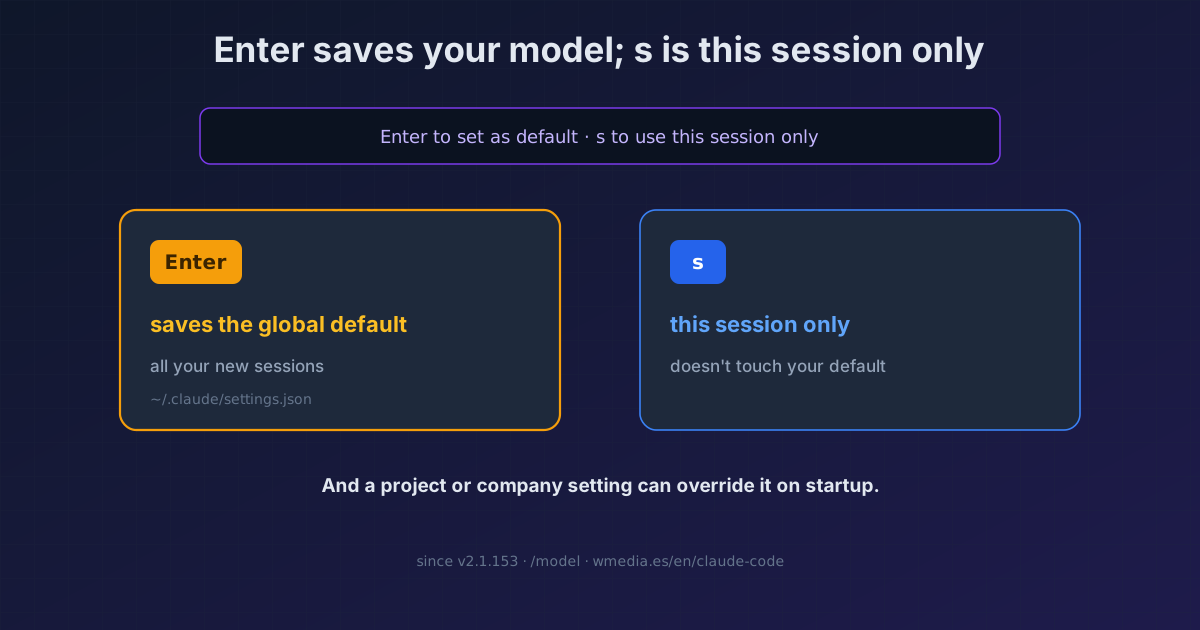
Enterin the/modelpicker saves that model as your global default for every new session;suses it for this session only. It used to be the other way around. If your model "sticks" across sessions, that's why. And if it "resets" on startup, a project or company setting is overriding yours.
You picked a model once, and now every new session starts on it even though you didn't ask. Or the opposite: you switch it and on restart it reverts on its own. Two opposite symptoms, one root cause: where your choice is stored and who overrides it. Plus a silent behavior flip almost nobody noticed.
Result:
> /model

  1. Default (recommended)
> 2. Fable 5
  3. Sonnet
  4. Haiku
  5. Opus 4.8 ✓

Enter to set as default · s to use this session only
Read that last line. It's all there.
What changed in v2.1.153
The picker now does the opposite of what it used to:
Enter: switches model and saves it as your default (writes themodelfield in your user settings). It persists across all your new sessions.s: switches model for this session only.- Typing
/model <name>directly behaves likeEnter(so it saves too).
In versions v2.1.144 through v2.1.152 it was different: /model applied to the session only, and the d key saved the default. If your muscle memory is from back then, you're now rewriting your default without realizing every time you hit Enter.
The picker asks for confirmation when the conversation already has output, because the next response reprocesses the full history without cache (switching models mid-task breaks prompt caching).
The four ways to set the model (in precedence order)
| Way | Scope | How |
|---|---|---|
/model in session |
Saves default (Enter) or session only (s) |
/model sonnet |
--model flag |
Only the session you launch | claude --model opus |
| Environment variable | Only that session | ANTHROPIC_MODEL=opus |
Settings (model) |
Permanent | {"model": "opus"} |
--model and ANTHROPIC_MODEL don't touch your saved default: they apply to that terminal only. To run different models in several terminals at once, launch each with its own --model rather than switching with /model.
Why it resets on startup
Even when you save your default, project or company (managed) settings win and reapply on every launch. If a session starts on a model you didn't pick, the startup header tells you which file set it. You can override it with /model, but the project or managed one comes back next launch. It's the same precedence logic as when CLAUDE.md, skills, and MCP collide.
And a confusing case: sessions you resume with claude --resume, --continue, or the /resume picker keep the model they had when saved, ignoring your current setting. That's on purpose: it stops another session's /model choice from changing your model on resume.
How to undo a default you set by accident
# Go back to your account's recommended model and clear the override:
/model default        # then Enter

# Or set the one you actually want as the default:
/model sonnet         # then Enter
The default alias clears any override and reverts to the recommended model for your account type. From then on, remember: Enter for the default, s when you just want to try something this session.
Where it fits
- Sonnet 5 just landed and is the new
sonnet: what changes and how to switch. - Which model for what? The model guide (Opus to plan, Sonnet to execute,
opusplan). - The new tier above Opus: Fable 5, switched on with
/model fableand, if you hitEnter, it sticks as your default too. - Why a project setting overrides your model: who wins when configs collide.
- Why switching models mid-session costs you against your limit: how your usage limits work.
- Effort plays the same game under its own rules: the level you set isn't always the one running, and it is saved per model under this same Enter /
ssplit.
Official docs: Model configuration — Setting your model
Requirements
The Enter-saves-default behavior is Claude Code v2.1.153 or later. In v2.1.144–2.1.152 the default was saved with d.